
By Elmer Wenston, updated . 5 min read.
IPTV channels are live TV streams delivered over your internet connection and grouped by category: local and national US channels, news, sports, movies, kids and international languages. You watch them in a player app on your TV, stick or phone, with a TV guide that shows what is on. Our plans carry more than 20,000 live channels plus over 60,000 movies and series on demand, but the headline number is not what decides if a lineup suits your home. This guide explains how a lineup is organized, which categories matter and how to check them before you pay.
How an IPTV channel lineup is organized
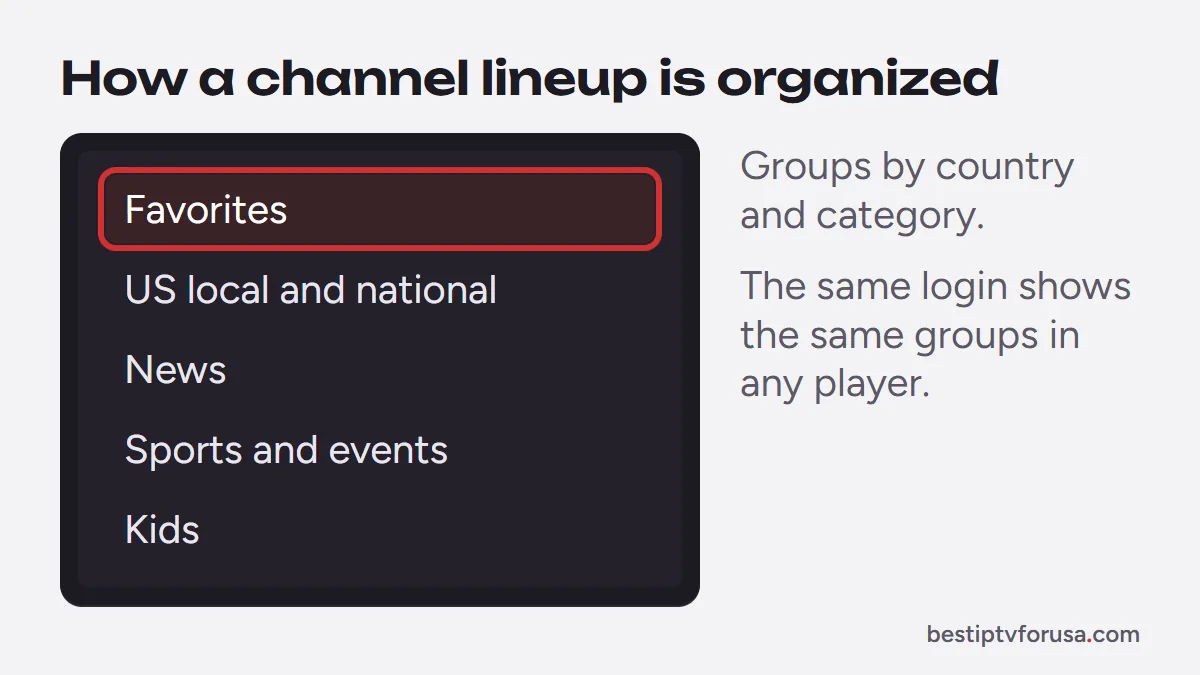
A lineup is a long list of channels that the player app sorts into groups. Each group usually covers one country, one language or one theme, so you open “USA” or “Sports” instead of scrolling through thousands of entries.
Three things shape what you see on screen:
- Groups. Channels are sorted into categories that the provider names, shown in a side menu of the player.
- Quality versions. The same channel often appears more than once, in SD, HD, FHD or 4K, so you can pick the version your connection handles best. Our 4K IPTV page explains what 4K needs.
- Favorites. Every major player lets you mark channels as favorites, so the ones you watch daily sit in one short list.
The player only displays the lineup; the channels come from your IPTV service. That is why the same login shows the same groups in TiviMate, IBO Player Pro or Smarters Player Lite, as our comparison of the best IPTV player apps shows.
The IPTV channels US viewers look for
Most US households look for the same handful of categories. A good lineup covers each of them with channels that play steadily at your viewing times:
- Local and national US channels: the broadcast and cable channels a household watched on cable, including news and entertainment.
- News: national and international news channels, live around the clock.
- Sports and events: sports channels plus pay-per-view events in HD and, where the broadcast allows, 4K. Our IPTV for sports page covers what matters on game day.
- Movies and series channels: themed channels that run films and shows, separate from the on-demand library.
- Kids: cartoons and family channels, which parental controls in the player can keep apart.
- International and language groups: channels in other languages for households that watch content from abroad, such as Hindi and regional Indian languages (Indian IPTV) or Canadian groups (IPTV in Canada).
Coverage of each category varies between providers and over time, so check the ones you care about yourself instead of relying on a list.
How many channels do you actually need?
Far fewer than the number on the box. A lineup of 20,000 channels includes many quality duplicates and regional versions, and most households watch the same 30 to 50 channels week after week.
A better question is whether the channels you watch:
- Are in the lineup, in the quality your connection handles.
- Play steadily at peak times, such as a weekday evening or during a big game.
- Show the right program in the guide, so you can see what is on and what comes next.
A large lineup is useful for variety and international content, but stability and a correct guide decide whether IPTV can replace cable in your home. Our checklist on how to choose an IPTV service covers the other points to compare.
Channels, TV guide and catch-up
Live channels are one part of an IPTV service; three other features change how you use them:
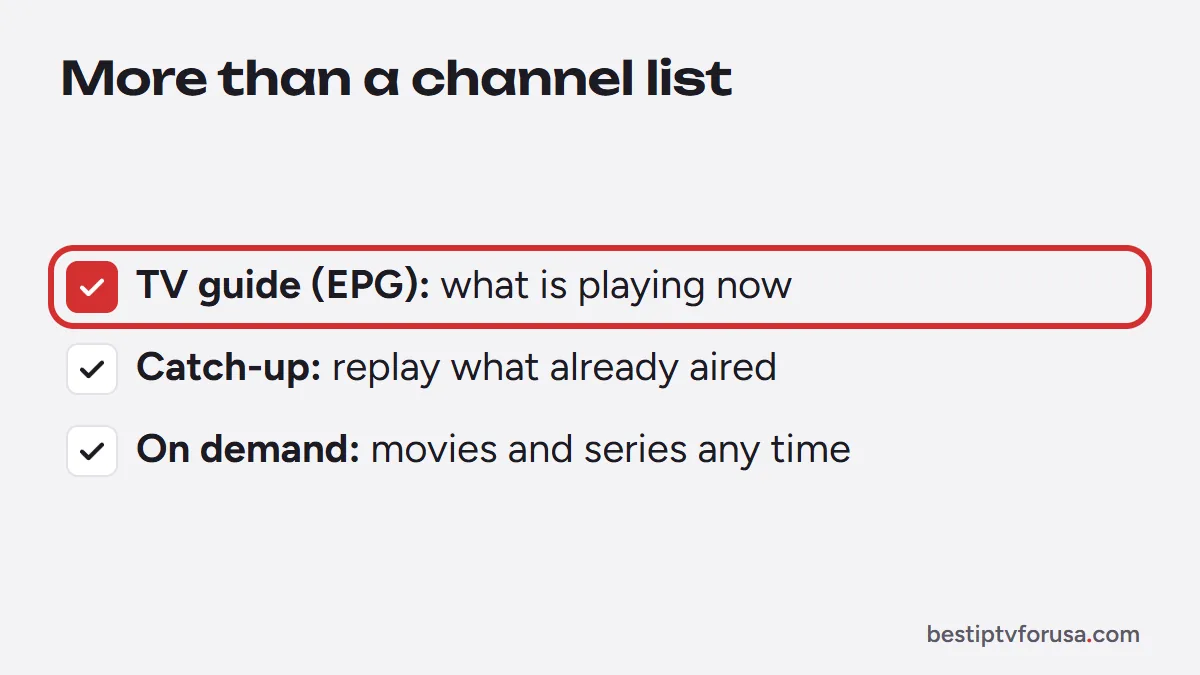
- The TV guide (EPG) fills the program grid for each channel. Without it, you see channel names but not what is playing. Our guide to what an EPG is explains how it loads.
- Catch-up replays programs that already aired, on channels that support it, straight from the guide. See IPTV with catch-up TV.
- On-demand movies and series sit in a separate library that you start whenever you like, covered in our guide to IPTV VOD.
Free IPTV channel lists: what to know
Search results for IPTV channels include public lists of free streams, often shared as M3U playlists on code-sharing sites. They look tempting, but they have real drawbacks:
- Streams break often. Public links stop working without notice, and nobody fixes them.
- No reliable guide. Most public lists have no TV guide, or one that does not match the channels.
- Unknown sources. You cannot check who runs a stream, and the modified apps often shared alongside these lists can carry malware; the US Federal Trade Commission explains the warning signs in its guide to malware.
Our guide to legit IPTV services and scams lists the warning signs to watch for when a service or a list seems too good to be true.
How to check a lineup before you pay
The simplest check costs nothing. Request the 24-hour free trial, which works on one screen with no card, and test the lineup on the device you use most:
- Search for your must-have categories and the channels you watch every week.
- Open the TV guide and check that the current program is right for a few of them.
- Watch at your usual time, such as a weekday evening, when demand is highest.
- Try catch-up on a channel you missed last night, if you use it.
If the lineup passes these checks on your connection, choosing a plan only comes down to the number of screens and the length you want.
Channels missing or not loading?
If channels are missing or will not play after you sign in, the cause is usually on the setup side, not the lineup:
- Refresh the playlist in the player, or restart the app, after a lineup update.
- Give the guide a few minutes after the first sign-in; groups and programs load in the background.
- Check the login type. An M3U link and an Xtream Codes login can show different groups; our guide to Xtream Codes vs M3U explains the difference.
- Check your screens. If more screens play at once than your plan allows, the extra one stops.
For buffering or channels that freeze, follow our step-by-step guide for when IPTV is not working.
Questions people ask
How many channels do you get with IPTV?
It depends on the provider. Our plans include more than 20,000 live channels and over 60,000 movies and series on demand. Many channels appear in several qualities, so the number of different channels is smaller than the headline figure.
Are there free IPTV channels?
Public playlists of free streams exist, but they change without notice, rarely include a TV guide and can come from sources you cannot check. A paid service with a free trial lets you test a stable lineup without that risk.
Can I watch local US channels with IPTV?
Most US-focused lineups include a local and national US group. Search for your area's channels during the free trial, because local coverage varies from one region to another.
Do IPTV channels work on every device?
Yes, through a player app. Fire TV, Android TV, smart TVs, Apple devices and computers all have players that load the same lineup; our setup guide covers each one.

Elmer Wenston writes the BestIPTVforUSA guides on IPTV setup, player apps and devices.