
4K IPTV in the USA: what you need to watch in 4K
4K IPTV gives four times the detail of Full HD, and it asks four things of your setup. Check them before you buy and the picture holds up on game night as well as on a quiet afternoon.
Free 24-hour trial, no card needed. 48-hour money-back guarantee. Nothing renews automatically.
- Speed per 4K screen
- About 25 Mbps
- Screen
- 4K TV, ideally with HDR
- Devices
- 4K stick, box or smart TV
- 4K content
- Where the source is 4K
- Free trial
- 24 hours, no card
Yes, where the stream itself is made in 4K. Many live channels are still broadcast in HD, so a 4K IPTV service plays those in HD and switches to 4K on the titles and events produced in 4K. Anyone who promises “everything in 4K” is not describing how television works.
With BestIPTVforUSA, 4K titles play in 4K when your screen, your device and your connection allow it, and everything else plays in HD or Full HD. Test it on your own TV with the free 24-hour trial before you choose a plan. For the device side, see the guides for a 4K Fire TV Stick, Android TV and Google TV and Apple TV 4K.
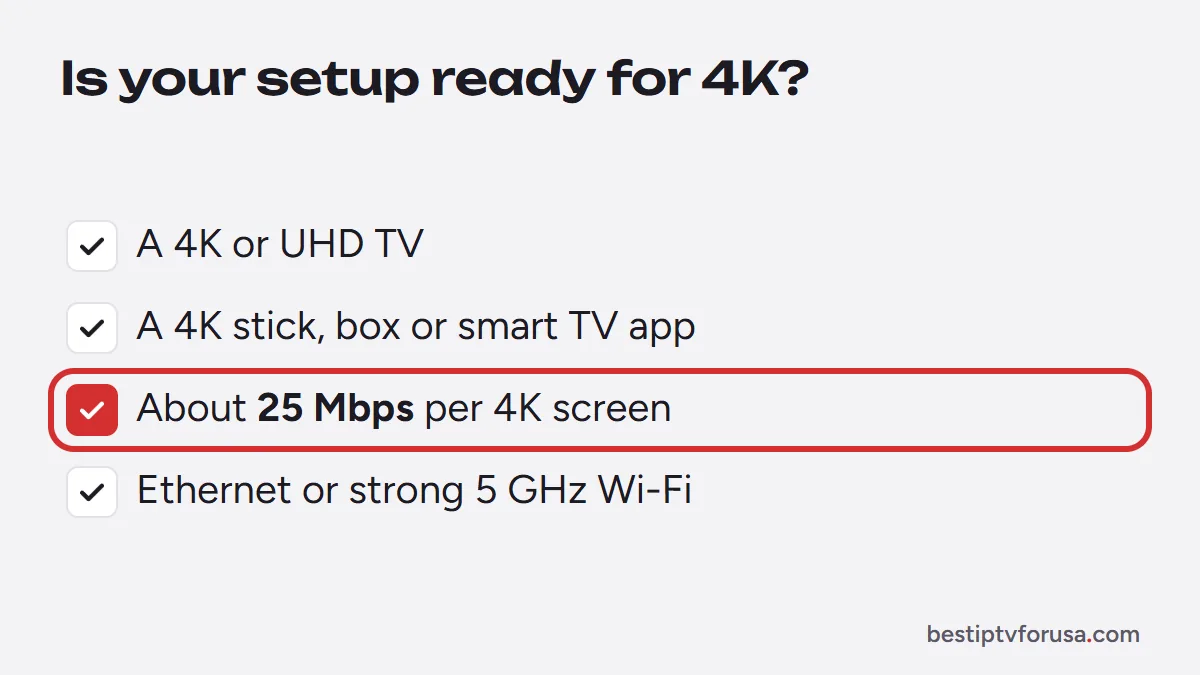
- A 4K screen and device: a 4K TV plus a 4K-capable stick or box (or the TV’s own apps). An HD stick caps the picture at 1080p.
- Enough bandwidth: about 25 Mbps for each 4K screen playing at the same time, on top of what the rest of the house uses.
- A player with hardware decoding: TiviMate and IBO Player Pro both decode 4K on current devices.
- A steady connection: Ethernet or strong 5 GHz Wi-Fi. Signal drops show up as buffering long before they show up as a softer picture.
Internet speed per screen
- HD (720p)
- Speed per screenAbout 10 Mbps
- Full HD (1080p)
- Speed per screenAbout 15 Mbps
- 4K (2160p)
- Speed per screenAbout 25 Mbps
Get your TV ready for 4K
- Step 1
Check your screen
Look for “4K” or “UHD” in your TV’s settings or manual. HDR is a bonus, not a requirement.
- Step 2
Measure your speed
Run a speed test on the TV or stick itself, in the room where you watch, at the time you usually watch.
- Step 3
Pick the right player
Install a player with hardware decoding and keep it updated. The setup guide lists the best app for each device.
- Step 4
Play a 4K title
Open the 4K category in your player and check the picture during the trial, ideally on a busy evening.
Common questions
Still unsure? Ask support, day or night.
How much internet speed do I need for 4K IPTV?
About 25 Mbps for each screen playing in 4K at the same time. Two 4K screens and one HD screen need roughly 60 Mbps of steady speed.
Which streaming stick is best for 4K IPTV?
Any current 4K Fire TV or Google TV device works well. See the Firestick guide for setup.
Why does my 4K stream buffer?
Usually the Wi-Fi signal, not the plan. Move the router closer, use 5 GHz or Ethernet, and close other heavy downloads while you watch.
Is every channel in 4K?
No. Live channels play in the quality they are broadcast in, usually HD. 4K plays where the source is 4K.
Does 4K cost extra?
No. Every BestIPTVforUSA plan includes HD and 4K where available.
See it in 4K on your own TV
Plans start at $30 for three months, with a 48-hour money-back guarantee if it does not work on your device.
Free 24-hour trial, no card needed. 48-hour money-back guarantee. Nothing renews automatically.