
How to watch IPTV on Roku TV
IPTV on Roku TV works a little differently, because Roku does not let you install apps from outside its store. Here are the four ways that do work, from the simplest to the smoothest.
Free 24-hour trial, no card needed. 48-hour money-back guarantee. Nothing renews automatically.
- Easiest option
- Hot Player from the Roku store
- Smoothest option
- A plug-in streaming stick
- Setup time
- 10 to 15 minutes
- Screens per plan
- 1 to 6
- Free trial
- 24 hours, no card
Yes. Roku only installs apps from its own Streaming Store, so the popular Android player apps cannot be added to it. You can still watch BestIPTVforUSA on a Roku in four ways: with a player from the Roku Streaming Store, by casting from your phone, by mirroring your phone’s screen, or by plugging a low-cost streaming stick into the TV’s spare HDMI port.
If you watch every day, the plug-in stick gives the best experience: a full TV guide, a fast remote and 4K where the stream allows it. If you only want to try, start with the Roku store player and the 24-hour free trial. The Hot Player setup guide covers it on every device.
Your options on a Roku
- Hot Player (Roku store)
- Extra costFree period, then a small license
- TV guideYes
- Best forWatching straight away
- Cast from your phone
- Extra costFree app, with ads
- TV guideOn the phone
- Best forOccasional viewing
- Screen mirroring
- Extra costFree
- TV guideOn the phone
- Best forA quick test
- Plug-in stick (Fire TV or Google TV)
- Extra costA one-time device purchase
- TV guideFull grid
- Best forEveryday viewing and 4K
Set up Hot Player on your Roku
The other three options are in the setup guide; for a plug-in stick, follow the Firestick guide.
- Step 1
Add the app
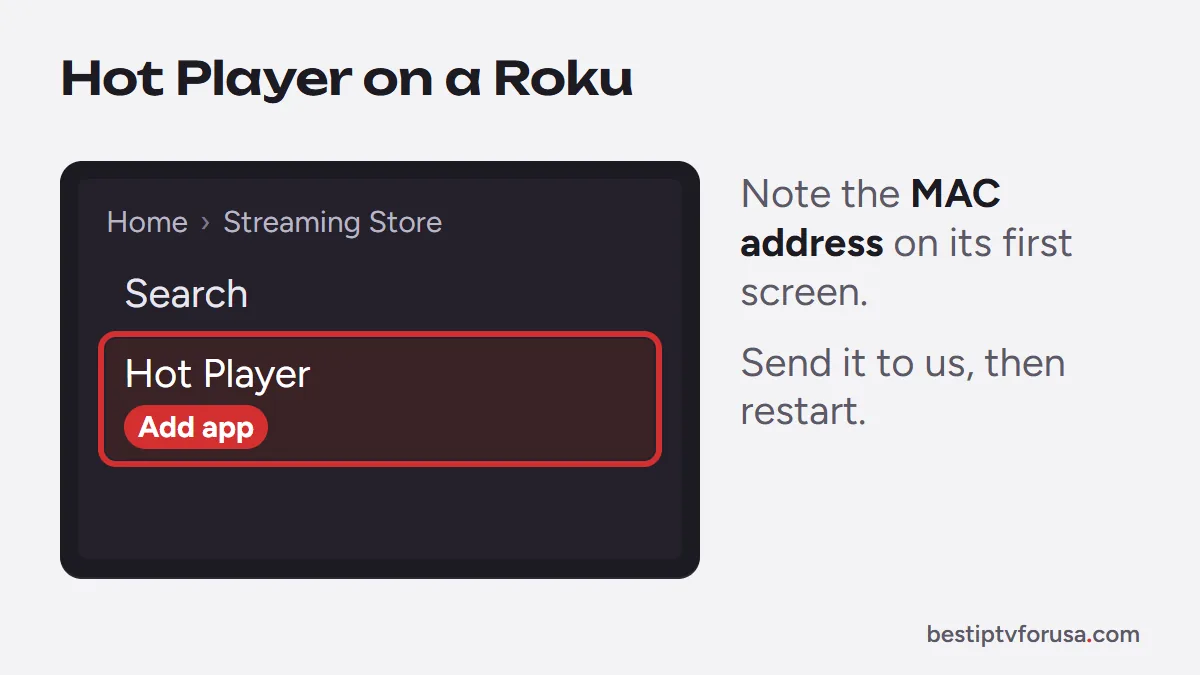
On your Roku, open the Streaming Store, search for Hot Player and add it.
- Step 2
Note the device ID
Open Hot Player. Its first screen shows a MAC address (device ID); write it down.
- Step 3
Send it to us
Reply to your welcome or trial email with the device ID, or paste it in the chat. We activate your login on it.
- Step 4
Restart and watch
Close and reopen Hot Player. Your channels, guide and on-demand library load in.
Common questions
Still unsure? Ask support, day or night.
Is there an IPTV Smarters or TiviMate app for Roku?
No. Neither app is in the Roku Streaming Store, and Roku does not allow installing apps from elsewhere. Use Hot Player on the Roku, or plug in a Fire TV or Google TV stick to run TiviMate or IPTV Smarters.
Can I play an M3U playlist on Roku?
Not directly in a Roku app from us. Cast it from your phone with a casting app, or use Hot Player, which loads your playlist after activation.
Does IPTV on Roku play in 4K?
With a 4K Roku and a 4K stream, it can, but players on Roku are more limited. For regular 4K viewing a 4K streaming stick plugged into the TV works better.
Will it work on a Roku TV made by another brand?
Yes. Every TV running Roku OS has the same Streaming Store, whatever brand made the screen.
What if it does not work on my Roku?
If the service does not work on your device and support cannot fix it, ask within 48 hours of your purchase and you get a full refund.
Watch on your Roku TV
Start with the free trial, then choose a plan from $30 for three months, with a 48-hour money-back guarantee.
Free 24-hour trial, no card needed. 48-hour money-back guarantee. Nothing renews automatically.