
Best IPTV for sports fans in the USA
The best IPTV for sports keeps live games, fight nights and pay-per-view events steady on every screen in the house. Here is what makes IPTV good for sports, and how to test it on a real game night before you pay.
Free 24-hour trial, no card needed. 48-hour money-back guarantee. Nothing renews automatically.
- Live sports
- In HD, 4K where broadcast
- Pay-per-view events
- Included
- Catch-up
- Rewind recent games
- Screens per plan
- 1 to 6
- Free trial
- 24 hours, no card
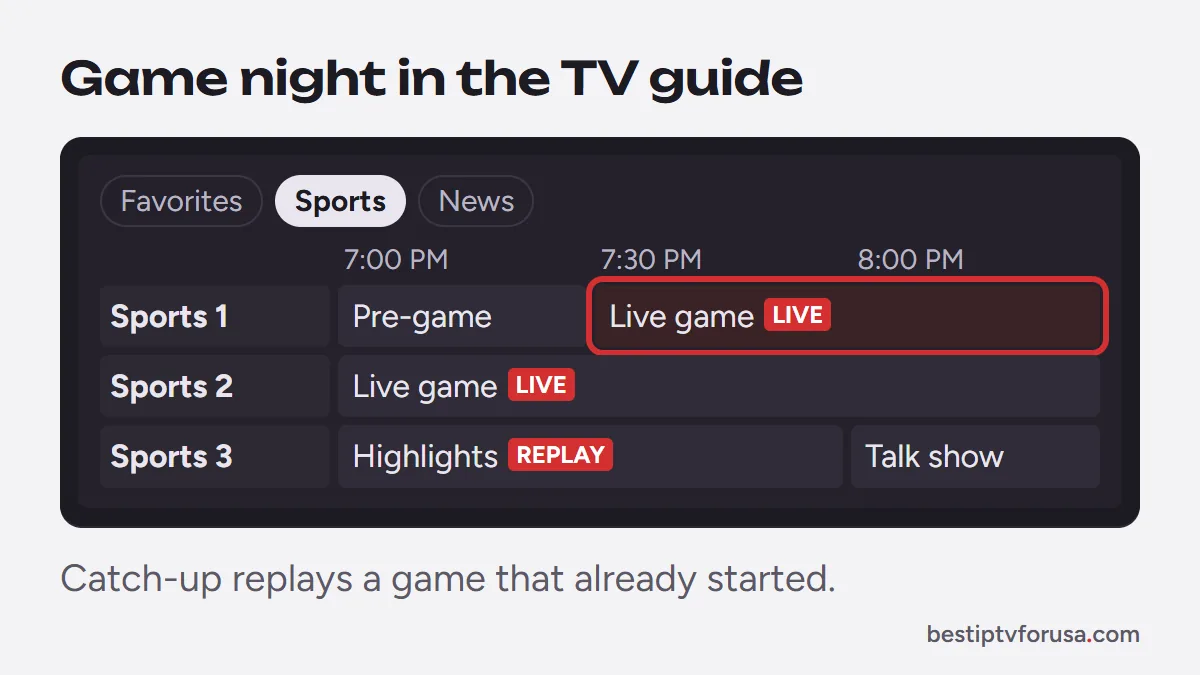
Sports is the hardest test for any IPTV service: millions of people press play at the same minute, and nobody wants to see the winning play ten seconds late or through a buffering wheel. A good sports IPTV service keeps its streams steady at peak times, offers catch-up so you can rewind, and lets the whole household watch different games at once.
BestIPTVforUSA carries live sports and pay-per-view events in HD, and in 4K where the broadcast is produced in 4K. We do not list networks or leagues by name: ask support about the events you follow before you buy, and use the free trial during a live game to see for yourself. If your TV is 4K, check what a 4K stream needs before game day.
- Steady at kick-off: test the trial at the start of a big game, when demand peaks.
- Catch-up from the guide: rewind a game that already started, straight from the TV guide.
- Up to 6 screens: one game in the living room, another in the den, and the phone for the late game.
- 48-hour money-back guarantee: if it does not work on your device and support cannot fix it, you get your money back.
Your game-day checklist
Five minutes before the game saves the first quarter.
Use a wired connection
Plug the TV or stick into the router with Ethernet if you can. If not, use 5 GHz Wi-Fi close to the router.
Restart before the game
Restart the stick or TV an hour before kick-off. It clears memory that player apps fill over days of use.
Save your favorites
Add your sports channels to Favorites in the player so game day starts in two clicks.
Check the speed
Count about 10 Mbps per HD screen and 25 Mbps per 4K screen playing at the same time.
Keep the player updated
Update TiviMate, IBO Player Pro or IPTV Smarters when asked. See the setup guide.
Know where support is
If a stream stops, contact support. A real person answers day and night.
Common questions
Still unsure? Ask support, day or night.
Can I watch live games in 4K?
Yes, when the broadcast itself is produced in 4K and your TV, device and connection support it. Most live sports are broadcast in HD.
Are pay-per-view events included?
Pay-per-view events are part of the service at no extra charge. Ask support about a specific event before you buy.
Can I watch two games at the same time?
Yes. Each screen playing counts as one; plans go from 1 to 6 screens at once.
Which channels and leagues are included?
We do not advertise named networks or leagues. Ask support about what you follow, and check it during the free trial.
Why does a game buffer when other channels play fine?
Big events stretch every part of the chain, including your home Wi-Fi. Use Ethernet or 5 GHz, restart the device before the game and close other downloads.
Test it on the next big game
Plans start at $30 for three months, with a 48-hour money-back guarantee if it does not work on your device.
Free 24-hour trial, no card needed. 48-hour money-back guarantee. Nothing renews automatically.