
By Elmer Wenston, updated . 5 min read.
IPTV vs online TV is not a question of cables: both reach your TV over the internet, and the difference is the way you watch. Online TV is the broad term for any TV delivered over the internet. An IPTV streaming service is one form of it: the provider sends you a login, and you watch live channels with a TV guide in the player app of your choice. Live TV streaming apps are another form: they deliver their own lineup inside their own app. This guide explains what each gives a US household and how to choose.
Online TV, OTT and IPTV: the words explained
The words overlap, which is why comparisons get confusing. In plain terms:
- Online TV means any TV you watch over an internet connection: live channels, on-demand libraries or both.
- OTT (over the top) is the industry term for services delivered over the open internet, on top of whatever connection you already have. Live TV apps and most IPTV services both work this way.
- IPTV (internet protocol television) describes TV delivered as IP data. The ITU, the UN agency for telecom standards, set up a dedicated IPTV work program (ITU-T, IPTV Joint Coordination Activity). Some phone and broadband companies run managed IPTV over their own private network to a box they rent you; most IPTV services people search for today work over the open internet instead, with your own device and your own internet provider.
So for a household, IPTV vs online TV really means “an IPTV service or a live TV app”. Our plain-English guide to what IPTV is covers the basics in more detail.
What an IPTV streaming service gives you
An IPTV streaming service gives you a login rather than an app. You type that login into a player app you choose, and the app loads the service’s content in one place:
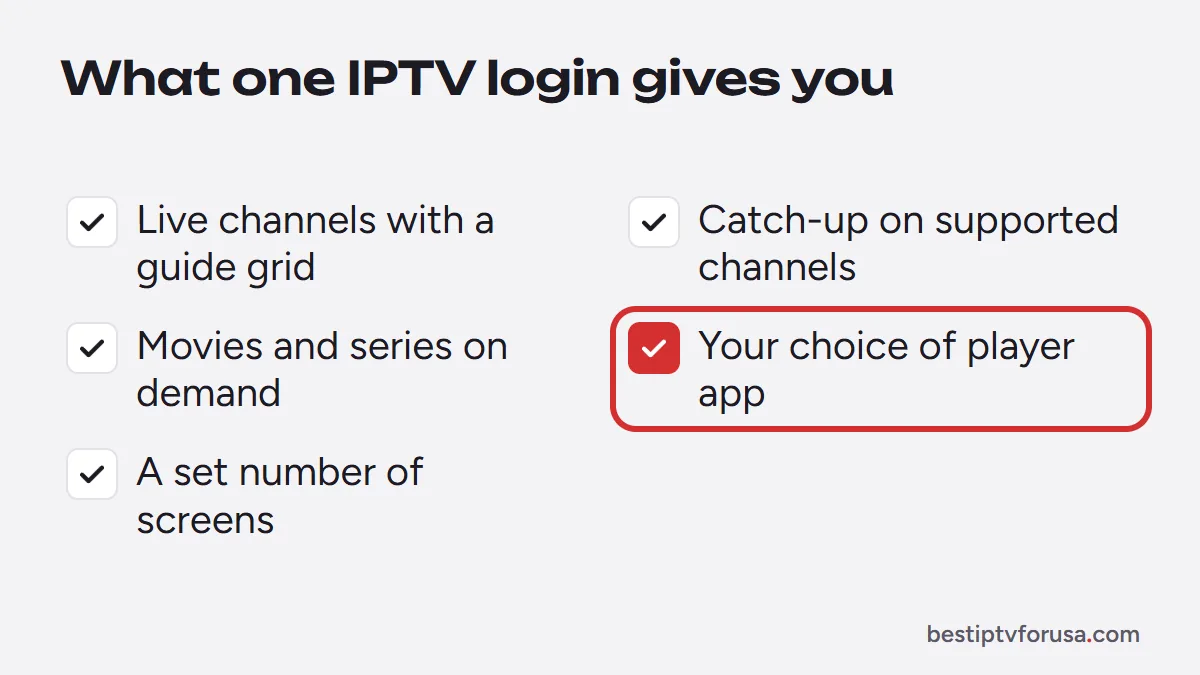
- Live channels with a TV guide in a grid, like a cable box;
- Catch-up, on channels that support it, to restart a program that already began;
- On-demand titles, such as movies and series you start whenever you like;
- A choice of player app, such as TiviMate, IPTV Smarters or IBO Player Pro, depending on your device;
- A set number of screens that can watch at the same time, chosen with your plan.
Because the login works in many apps, the same service runs on a Fire TV Stick, a smart TV, an Apple TV, an Android box, a phone or a computer. You pick the app whose guide and remote controls you like best.
What live TV streaming apps give you
Live TV streaming apps work the other way around: the app and the service are one product. You install the company’s app, sign in to your account and watch the lineup it offers in its own interface.
They usually share a few traits:
- a fixed lineup chosen by the company, sometimes with paid add-ons;
- their own app, with no choice of player;
- monthly billing that renews automatically until you cancel;
- availability on the devices the company supports.
They suit people who want one familiar app and do not mind a monthly charge. The guide and the player are the company’s own, so you cannot move the service into another app.
IPTV service vs live TV app side by side: devices, guide, screens, billing
| IPTV streaming service | Live TV streaming app | |
|---|---|---|
| What you receive | A login for a player app | An account inside the company’s app |
| Player app | Your choice (TiviMate, IPTV Smarters, IBO Player Pro and others) | The company’s own app only |
| TV guide | Full grid in most player apps | The app’s own guide |
| Devices | Any device that runs a compatible player | Devices the company supports |
| Screens at once | Chosen with your plan | Set by the company’s plan |
| Billing | Often a fixed term paid up front, depending on the provider | Usually monthly, renewing automatically |
| Away from home | Depends on the provider; ask before you buy | Varies by service |
Prices vary too much between services and plans for a fair one-line comparison. For costs, see how much IPTV costs and our comparison of IPTV vs cable.
Which one fits your household
Three common situations point in different directions:
- You want a cable-style guide on every TV, with one login. An IPTV service fits: the same login works on the living-room TV, the bedroom stick and your phone, in the player you prefer.
- You want one well-known app and do not mind monthly billing. A live TV streaming app is the simpler route, as long as its lineup matches what you watch.
- You are replacing cable and want to compare every option. Our list of cable alternatives covers each way to replace cable, including an antenna for local broadcasts.
Both depend on your home internet, and if streams stop on one network but not another, the IPTV not working guide walks through the checks.
What you need at home for either one
An IPTV service and a live TV app need the same three things at home:
- A connection that holds up. A wired connection or strong 5 GHz Wi-Fi keeps streams steadier than a weak signal. Our internet speed guide lists what each picture quality needs, and screens playing at the same time add up.
- A device on each TV. A smart TV that runs apps, a streaming stick, an Android box, a computer or a phone. For IPTV, the device must run a compatible player app; for a live TV app, it must be on the company’s list of supported devices.
- An account. A login from an IPTV provider, typed into the player, or an account with the live TV app’s company.
If you start from zero, how to get IPTV at home walks through the device, the app and the login in order.
Test IPTV before you choose
The fastest way to compare is to watch. Request a 24-hour free trial, install a player app on the device you use most and type the login from your email. Compare the guide, the picture and the remote with what you use today, then decide whether an IPTV service or a live TV app suits your home better.
Questions people ask
Is online TV the same as IPTV?
Not exactly. Online TV covers any TV delivered over the internet, including live TV apps and on-demand services. IPTV is one way of doing it: a provider sends live channels and a guide to a player app you choose, using a login.
What are the downsides of IPTV?
IPTV depends on your internet connection, so slow or busy Wi-Fi can cause buffering. Quality also varies between providers, which is why a free trial on your own device before paying matters.
Can an internet provider block IPTV?
Network problems, router settings or provider-side blocks can stop some streams on a given connection. If IPTV works on one network but not another, our IPTV not working guide walks through the checks to find the cause.

Elmer Wenston writes the BestIPTVforUSA guides on IPTV setup, player apps and devices.