
By Elmer Wenston, updated . 4 min read.
IPTV on Xbox works through a player app from the Microsoft Store, and the one we support is Hot Player. Hot Player’s official site, hotplayer.app, links to its Microsoft Store listing, and Microsoft’s catalog lists Xbox among the devices it supports, along with Windows PCs (checked October 2026). You install it on the console, send us the MAC address it shows and your channels load, with nothing to type with the controller. This guide covers the setup on Xbox Series X|S and Xbox One, what does not run on Xbox and when a streaming stick is the better choice. It belongs to our guides to media centers and consoles, which start with Kodi IPTV.
IPTV apps for Xbox
Xbox runs apps from the Microsoft Store only. It does not install Android apps or APK files, so the players most people use on a Fire TV are not available. Here is where the main players stand:
| Player | On Xbox? | How you sign in |
|---|---|---|
| Hot Player | Yes, Microsoft Store (listing includes Xbox) | MAC address, activated for you |
| TiviMate | No, Android only | – |
| IBO Player Pro (Android version) | No, Android only | – |
| IPTV Smarters Pro | No official download (checked October 2026) | – |
Other IPTV players appear in the Microsoft Store too, from various developers. Before installing one, check that its listing names Xbox among the supported devices, and that it accepts your login type.
Install Hot Player on Xbox Series X|S or Xbox One
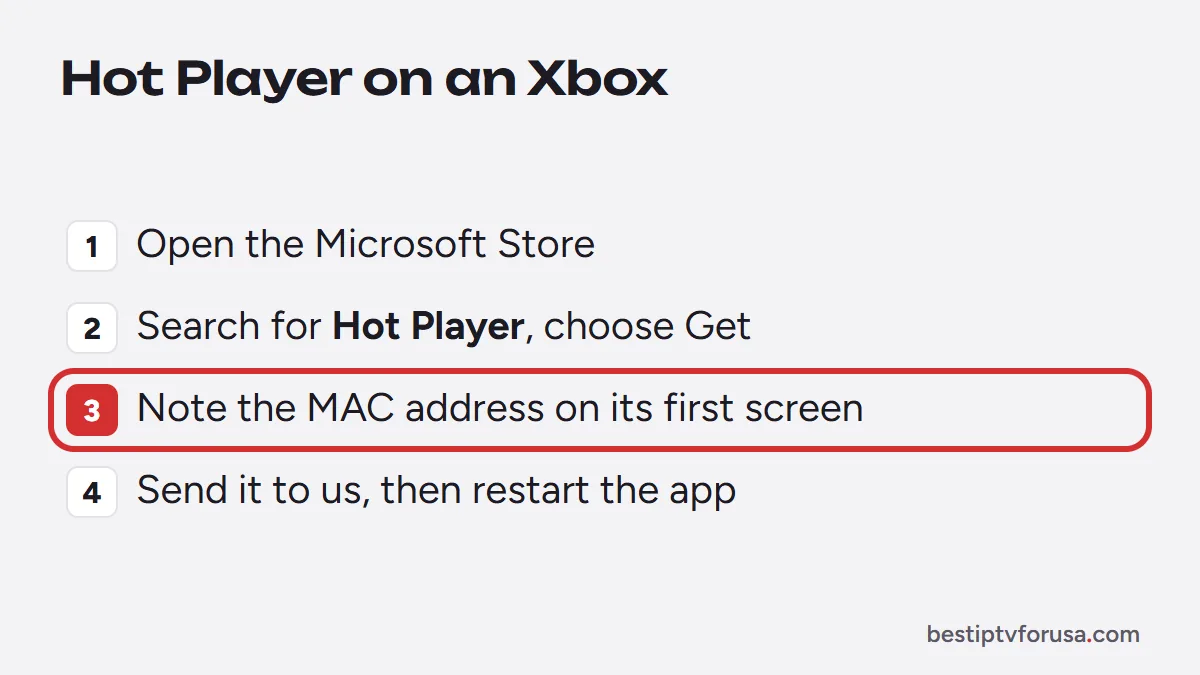
- Open the Microsoft Store on the console from My games & apps or the home screen.
- Search for Hot Player with the controller and select it.
- Choose Get or Install, then open the app when it is ready.
- Note the MAC address shown on Hot Player’s first screen.
- Send it to us with your order email, or with your free trial request. We add your playlist, usually within minutes.
- Restart Hot Player. Your channels, TV guide and on-demand library load.
Hot Player has a free period, then a small license fee paid to its developer, separate from your IPTV plan. Our Hot Player setup guide covers the activation in detail.
Hot Player on a Windows PC
The same Microsoft Store listing also covers Windows PCs, so Hot Player is an option on a computer too: install it from the Microsoft Store on Windows, send us the MAC address it shows and watch. Our PC and Mac setup guide lists the other computer options, such as IBO Player and VLC.
Common problems with IPTV on Xbox
- Hot Player shows no channels. The MAC address has not been activated yet, or it changed after a reinstall: send the one on the first screen.
- The app does not appear in the Store. Update the console from its settings, then search again by the exact name.
- Channels freeze. Use a wired connection if you can, and see our guide when IPTV keeps freezing.
- The console turns off or goes to sleep. Check the console’s power and sleep settings, which can stop playback after a while.
Can you install TiviMate on Xbox?
No. TiviMate is built for Android TV devices, and Xbox does not run Android apps. The same goes for the Android versions of other players and for Downloader codes, which only work on Fire TV and Android devices. If you want TiviMate’s guide grid on the same TV, plug a Fire TV or Google TV stick into another HDMI port; our TiviMate Downloader code guide covers the install on a Fire TV.
Xbox or a streaming stick for IPTV?
An Xbox works, but it is not always the most practical TV box:
- Power and noise. A console draws more power than a streaming stick to play a TV channel.
- Controller vs remote. Browsing a TV guide is easier with a TV remote than with a game controller.
- Sharing the console. If someone wants to play, the TV is no longer free for IPTV.
Many households keep the Xbox for games and add a streaming stick for TV. Our guide to the best IPTV box and our comparison of Fire TV vs Google TV help you choose one.
Before you start
- Each device playing counts as a screen on your plan, consoles included.
- Use a wired connection if the console is near the router: it keeps live channels steadier than Wi-Fi.
- Test first. Install Hot Player, send us the MAC address and request the 24-hour free trial to see your channels on the Xbox before choosing a plan.
Questions people ask
Is there an IPTV app for Xbox?
Yes. Hot Player is in the Microsoft Store, and its listing includes Xbox among the supported devices. Install it on the console, then send us the MAC address it shows for activation.
Can I install TiviMate on Xbox?
No. TiviMate is an Android app, and Xbox does not run Android apps. On Xbox, use Hot Player; for TiviMate, use a Fire TV or Google TV device.
Does IPTV work on Xbox One?
Hot Player's Microsoft Store listing covers the Xbox platform, which includes Xbox One and Xbox Series X|S. Search for it in the Store on your console to confirm it installs.
Can I watch live TV on my Xbox without an app?
Not with an IPTV service: you need a player app to load your playlist and TV guide. The console's web browser cannot replace it.

Elmer Wenston writes the BestIPTVforUSA guides on IPTV setup, player apps and devices.