
By Elmer Wenston, updated . 3 min read.
Does a VPN stop buffering? In most cases, no. A VPN (virtual private network) sends your traffic through one of its own servers and encrypts it on the way. That extra stop and the encryption both cost speed and add delay, so on an IPTV stream a VPN more often adds buffering than removes it. There is one narrow case where it can help, and a simple test tells you whether you are in it. This guide explains why, how to test in five minutes and what actually stops buffering. Whether you need a VPN at all is covered in our guide Do you need a VPN for IPTV?.
Does a VPN stop buffering? Why it usually adds it
A live channel needs a steady flow of data. A VPN changes that flow in three ways:
- An extra stop. Your stream travels from the server to the VPN server, then to you. If the VPN server is far away or busy, every second of video takes longer to arrive.
- Encryption. Your device encrypts and decrypts all traffic. Streaming sticks have modest processors, and the extra work can slow them down.
- Shared capacity. A VPN server serves many users at once; at peak hours its speed is shared.
The result is lower speed and more delay, the two things that cause buffering.
When a VPN can help
A VPN can reduce buffering in one situation: when the usual route between your internet connection and the streaming server is congested, for example at peak evening hours, and the VPN’s route happens to avoid that bottleneck. Some networks also manage video traffic at busy times, and a VPN changes how that traffic is seen.
You cannot know in advance whether this applies to you. That is why the only reliable answer is a test on your own connection.
Test it in 5 minutes
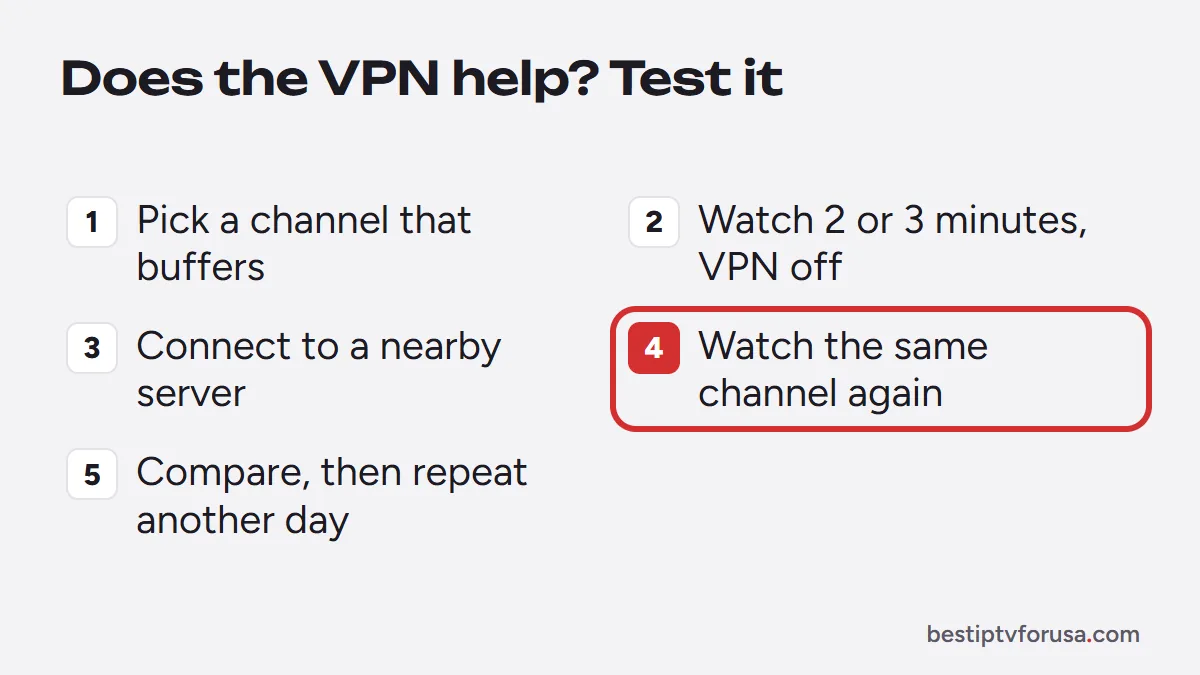
- Pick a channel that buffers at the time it usually happens, such as a weekday evening.
- Watch it for two or three minutes with the VPN off and note how often it pauses.
- Connect the VPN to a server close to you, then watch the same channel for the same time.
- Compare. If it pauses less with the VPN on, keep it for those hours. If it pauses as much or more, turn it off.
- Repeat once on another day before you decide; one evening can be unusual.
Our guide on how to use a VPN on an IPTV box shows how to install and switch it on and off on Fire TV and Android TV.
Signs the VPN is causing your buffering
Look for these patterns before blaming the service or your internet:
- Channels start slowly or buffer only when the VPN is connected, and play smoothly once you disconnect.
- Buffering gets worse with a distant VPN server and better with a nearby one.
- The streaming stick feels slow overall with the VPN on: menus lag, apps open slowly. Encryption is using its processor.
- Speed tests drop sharply with the VPN on compared with off, on the same device.
If you see any of these, keep the VPN off while watching live TV, or connect it only when you need privacy.
What actually stops buffering
Most buffering comes from the home setup, and these fixes help far more often than a VPN:
- A wired connection or 5 GHz Wi-Fi, with the device in sight of the router.
- Enough speed at the TV, at your viewing time; our guide to internet speed for IPTV gives the numbers, and the FCC’s broadband speed guide explains typical household needs.
- HD instead of 4K when the connection is limited; see what 4K IPTV needs.
- A clean device: restart it, clear the player app’s cache and keep storage free.
- The right buffer setting in your player; see the best buffer size for IPTV.
Our full IPTV buffering fix guide goes through them in order, and IPTV keeps freezing covers a picture that stops on a frame.
Should you leave the VPN on?
It is your choice, but for live TV the simplest rule is: off while you watch, on when you need privacy, such as on public Wi-Fi. If you keep it on, choose the nearest server and recheck your streams at peak hours. To see how a service streams on your connection, with or without a VPN, request the 24-hour free trial.
Questions people ask
Does a VPN stop buffering?
Usually not. A VPN routes your traffic through an extra server and encrypts it, which costs speed. It helps only when the normal route to the streaming server is congested; test with it on and off to know.
Can a VPN cause buffering?
Yes, often. A distant VPN server, a busy server or a streaming stick with little processing power for encryption can all slow streams down. Pick a nearby server or turn the VPN off.
Is it okay to leave a VPN on all the time?
You can, but every app on the device then shares the VPN's speed and delay. For IPTV, many people turn it off while watching live TV and keep it for browsing on public Wi-Fi.
Should I put the VPN on my router for IPTV?
Only if you want every device covered. A router VPN slows the whole home network, and many routers lack the power to encrypt fast; test streams before and after.

Elmer Wenston writes the BestIPTVforUSA guides on IPTV setup, player apps and devices.