
By Elmer Wenston, updated . 4 min read.
How to watch live TV without cable comes down to three pieces: a screen, a source of live channels and, for most options, your home internet. The sources are a digital antenna for local broadcasts, an IPTV subscription played in an app, or a live TV streaming app. This guide focuses on the setup itself, step by step. If you are still deciding which source to choose, our comparison of cable TV alternatives covers the options and their costs, and IPTV vs cable goes deeper on one of them.
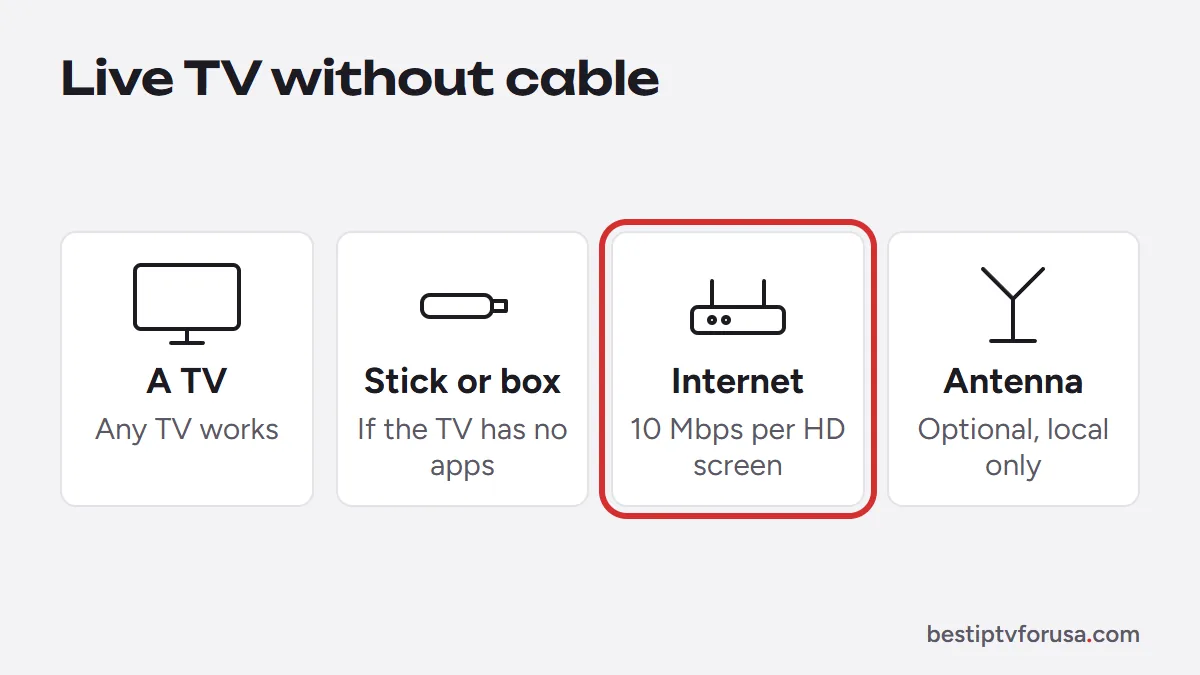
What you need
| Item | Why | Notes |
|---|---|---|
| A TV | To watch | Any TV for an antenna; a smart TV or a streaming stick for internet TV |
| A streaming stick or box | Runs the apps if your TV cannot | Fire TV, Android TV or Google TV, Apple TV, Roku |
| Home internet | For IPTV and live TV apps | About 10 Mbps per HD screen, 25 Mbps per 4K screen |
| A digital antenna | Free local channels | Optional; only where you have reception |
Step 1: Check your internet at the TV
If you plan to stream live TV, test the connection where you watch. Run a speed test on the TV or stick, in the evening, and add up the screens that will play at once. If the result is close to the limit, connect the TV with an Ethernet cable or move to 5 GHz Wi-Fi. The FCC Broadband Speed Guide lists 5 to 8 Mbps for HD streaming and 25 Mbps for 4K. Our guide to internet speed for IPTV explains the test.
Step 2: Choose your source of live channels
- Only local channels and no monthly bill: a digital antenna.
- Many live channels plus movies and series, paid for a period you choose: an IPTV subscription.
- One app with a set lineup, billed monthly: a live TV streaming app.
You can combine an antenna with one internet service, so local channels keep working even when the internet is down.
Step 3a: Set up a digital antenna
- Connect the antenna to the TV’s antenna input.
- Place it near a window or as high as possible, facing the direction of your local broadcast towers.
- In the TV’s settings, run the channel scan (sometimes called auto-tune or auto-program).
- If a channel breaks up, move the antenna a little and scan again.
Step 3b: Set up IPTV
- Install a player app on the TV or stick. The app depends on the device: TiviMate or IBO Player Pro on a Fire TV, IBO Player Pro on a Samsung or LG TV, IBO Player Pro or Smarters Player Lite on Apple TV. Our guide to how to get IPTV covers each device.
- Request a trial or a plan; the login arrives by email.
- Sign in with the Xtream Codes details, or send the device ID shown by device-activated apps.
- Open the TV guide and play a live channel.
Step 3c: Set up a live TV streaming app
- Install the app from your TV’s or stick’s app store.
- Create the account and choose the package.
- Sign in on the TV and allow location access if the app asks, since some apps use it for local channels.
Step 4: Make live TV feel like cable
A few settings make the switch comfortable:
- Favorites: add the channels you watch to a favorites list in the player or the TV’s channel list.
- The guide: in IPTV players, refresh the EPG once after setup and check the time zone; our article on IPTV EPG explains how.
- Catch-up and recording: IPTV catch-up replays recent programs on supported channels; some players and antenna DVRs can record.
- One remote: many TVs support HDMI-CEC; turn it on in the TV settings to use one remote for the TV and the stick.
Step 5: Test before you cancel cable
Keep cable for a few days while you test. Watch your usual programs at your usual times, including a live event, on every TV you plan to use. Check:
- the channels your household watches;
- the picture at your busiest hour;
- the guide and catch-up;
- every screen playing at the same time.
With BestIPTVforUSA you can do this with a 24-hour free trial, no card needed.
How to watch live TV without cable on each device
- Smart TV (Samsung, LG): connect an antenna to the antenna input for local channels, and install a player such as IBO Player Pro from the TV’s app store for IPTV. See IPTV on Samsung and LG TVs.
- Fire TV Stick: install a player with Downloader, and plug the stick into the TV that also has the antenna, so both sources are on one screen.
- Roku: live TV apps from the Roku store, or Hot Player for IPTV; our page on IPTV on Roku lists the options.
- Apple TV: player apps from the App Store, with the antenna on the TV’s own input.
- Phone or tablet: internet sources only; an antenna needs a TV tuner.
Whatever the device, switch between the antenna and the streaming app with the TV’s input or source button.
Troubleshooting the first week
| Problem | Fix |
|---|---|
| Antenna misses a channel | Move the antenna higher or near a window, scan again |
| Internet TV buffers in the evening | Ethernet or 5 GHz Wi-Fi, pause large downloads |
| Guide shows wrong times | Set the device’s time zone, set the EPG offset to zero |
| A channel is missing | Ask support before you buy, check it during the trial |
When everything works, cancel cable, return the box and choose your plan on our home page.
Questions people ask
How can I watch live TV without cable?
Use a digital antenna for local broadcast channels, an IPTV subscription played through an app, or a live TV streaming app. All of them work on the TV you own, and the internet-based options also work on phones and tablets.
How do I get TV channels without cable or satellite?
Connect a digital antenna and run the TV's channel scan for local broadcast channels, or install an IPTV player or a live TV app on your TV or stick and sign in. The steps for each are in this guide.
Can I watch live TV without internet or cable?
Yes, with a digital antenna, which receives local broadcast channels over the air. It needs no internet, but it only carries local channels.
What do I need to watch live TV without cable?
A TV, a source of live channels and, for internet options, a connection of about 10 Mbps per HD screen. A streaming stick helps if your TV has no suitable apps.
How can I watch local channels without cable?
A digital antenna is the simplest free option where you have reception. Some internet TV services also carry local channels; check that the ones you want are included during a free trial.

Elmer Wenston writes the BestIPTVforUSA guides on IPTV setup, player apps and devices.