
By Elmer Wenston, updated . 3 min read.
Is IPTV safe to use? For your devices and your data, it can be, as long as three things are safe: the app you install, the way you pay and the source of your channels. IPTV itself is just television delivered over the internet to a player app. The risks people run into come from around it: apps modified by unknown parties, free channel lists shared online, payments that cannot be recovered and logins passed around. This guide goes through each risk and how to avoid it, and ends with a checklist. For the warning signs of a bad provider, see our guide to legit IPTV services and scams.
The real risks of IPTV for your devices
The biggest risk is not the service but the app. Player apps are often searched for outside official stores, and some of the files offered on forums, download portals and APK sites are modified copies. A modified app can show unwanted ads, collect data or install other software. The US Federal Trade Commission describes the signs of unwanted software and how to remove it in its guide to malware.
The second risk is free public channel lists. They break often, have no TV guide and come from sources nobody can check, and the apps or files shared next to them can be modified too.
Safe IPTV apps: how to choose
A safe app is one that comes from an official source:
- Official stores: Google Play, the Amazon Appstore, the App Store and your TV’s app store.
- The developer’s own site, for apps that are installed directly, such as TiviMate’s download address.
- Downloader codes that lead to the developer’s own address. A code is only a short link; Downloader shows the address before it downloads, so check it. Our list of Downloader codes for IPTV players gives the official codes.
Also check the developer name in the store: many apps use similar names. And be wary of any player that sells channels inside the app: a genuine player plays the service you choose and sells, at most, app features.
Paying safely
Your money is safest when you can get it back if something goes wrong:
- Use a payment method you can dispute, such as a card, rather than methods that cannot be reversed.
- Read the refund terms before paying. Ours: a refund within 48 hours if the service does not work on your device and support cannot fix it.
- Avoid automatic renewal you did not ask for. Our plans do not renew on their own.
- Test before you pay. A free trial without a card shows whether the service works, at no risk.
Our guide to legit IPTV services and scams lists the other red flags, such as very long plans at very low prices.
Protecting your login and data
Your IPTV login is the key to your account:
- Keep the welcome email private. The M3U link contains your username and password in full.
- Do not share the login outside your home. Each plan covers a set number of screens; sharing it uses them up and can get the account limited, as our guide to IPTV blocked explains.
- Use a unique email password for the email address linked to your account.
Is it safe to use IPTV without a VPN?
For watching at home, a VPN is not required. A VPN adds privacy on public or shared networks, where the FTC advises caution in its guide to public Wi-Fi, but it also slows streams down. Our guide Do you need a VPN for IPTV? explains when one is worth it.
Is IPTV legal?
Safety and legality are different questions. Our guide Is IPTV legal? gives a plain-English overview and points to official resources.
A safe IPTV setup checklist
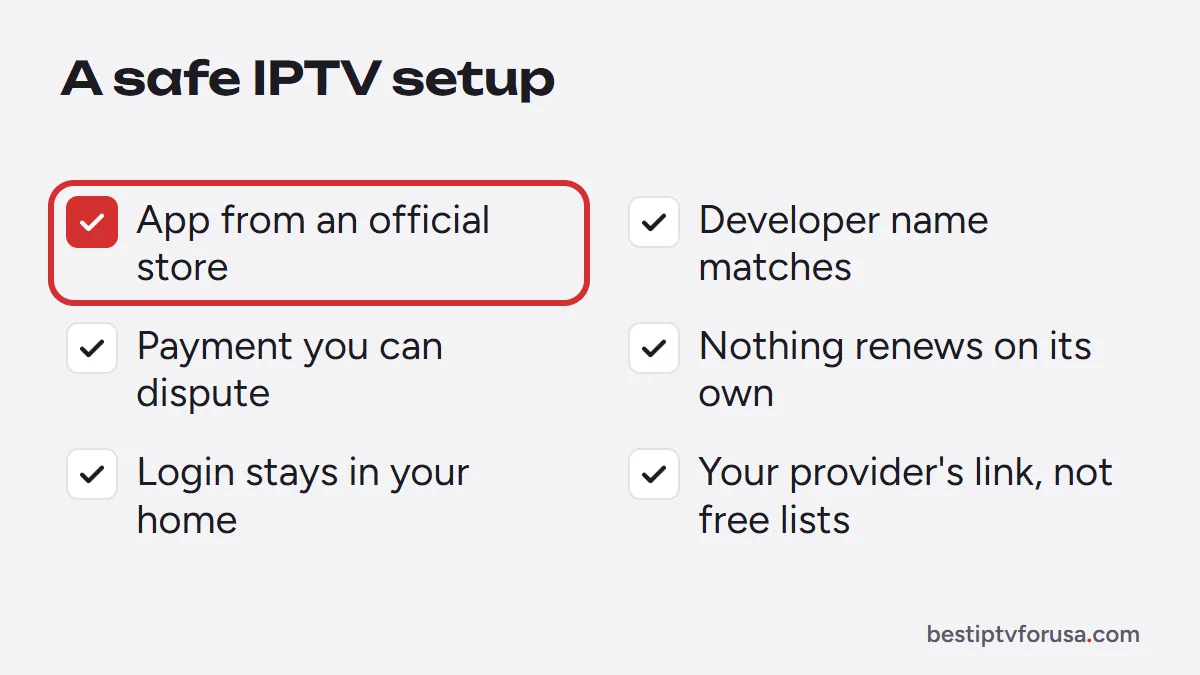
- The player app comes from an official store or the developer’s own site.
- The developer name matches the app you meant to install.
- You paid with a method you can dispute, after reading the refund terms.
- Nothing renews without your decision.
- Your login stays in your household and your welcome email stays private.
- You use your provider’s link, not free public lists.
If you want to check a service against this list before paying anything, start with the 24-hour free trial: no card, nothing renews.
Questions people ask
Is IPTV safe to use?
It can be. Use player apps from official stores or developers, pay with a method you can dispute, keep your login private and avoid free public lists and modified apps, which carry the real risks.
Is it safe to use IPTV without a VPN?
For watching at home, a VPN is not required. It adds privacy on public or shared Wi-Fi, at the cost of some speed. Our guide on VPNs for IPTV explains when one is worth using.
What is the safest IPTV app?
The safest app is one installed from an official source: Google Play, the Amazon Appstore, the App Store, your TV's store or the developer's own download address. Avoid modified versions offered on forums or APK sites.
Can an IPTV app harm my device?
A genuine player app from an official source does not. Modified apps from unknown sites can contain unwanted software, which is why the source matters more than the app's name.

Elmer Wenston writes the BestIPTVforUSA guides on IPTV setup, player apps and devices.