
By Elmer Wenston, updated . 3 min read.
IPTV blocked messages are alarming, but the cause is usually ordinary and fixable. When a player says your access is blocked, refused or not activated, the reason sits in one of three places: your account, the app on the device, or the network the device is connected to. This guide goes through each, in the order that solves most cases fastest, and ends with what to send support. It belongs to our guide Is IPTV down?, which helps you tell a blocked account from a service outage.
IPTV account blocked or limited
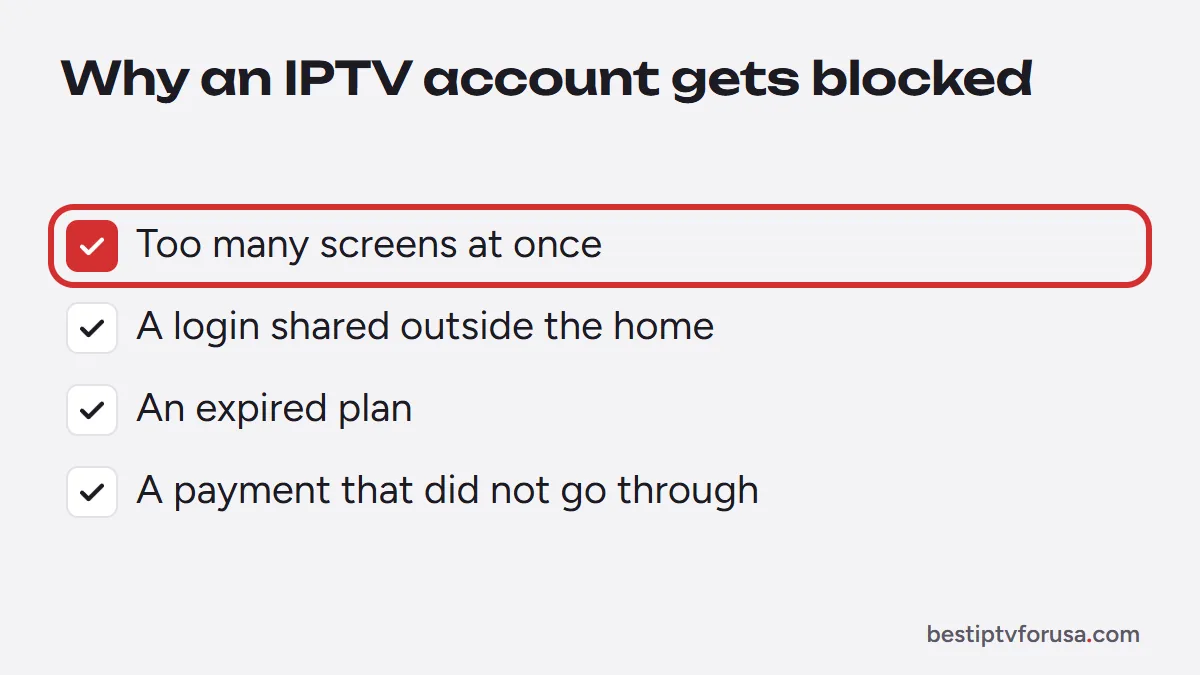
Most “blocked” messages come from the account itself. Check these first:
- Too many screens at once. Each plan covers a set number of screens playing at the same time. When one more starts, it is refused, and repeated overuse can lead to a limit on the account. Our guide to IPTV multiple connections shows how to count the screens your home needs.
- A login shared outside the home. A plan is for one household. If the login is used in other homes, the screen limit is reached quickly and the account can be limited or suspended.
- An expired plan. When the end date passes, every app stops at the same time. Your end date is in your order email and account.
- A payment that did not go through, which leaves a renewal pending.
If you are not sure which applies, contact support: they can see the account’s status and tell you why.
App blocked or not activated
Some players show a blocked or “not activated” message for reasons that have nothing to do with the account:
- Apps activated by device ID, such as IBO Player Pro and Hot Player, play nothing until the device ID or MAC address shown on their first screen is added to your plan. After a reinstall or a reset, the ID can change; send the new one. See IBO Player not working and the Hot Player setup guide.
- A look-alike app with a similar name, from another developer, may not be the one your activation covers. Check the app’s name and developer.
- An app’s own license can expire after its free period; the player then asks for its fee, separately from your IPTV plan.
Blocked on a Wi-Fi network
Some networks filter streaming on purpose. If the same device works at home but not elsewhere, the network is the cause:
- Hotel, office, school and campus networks often limit streaming video or certain kinds of traffic.
- Public Wi-Fi in cafes or airports may ask you to sign in on a web page first, or limit video. The US Federal Trade Commission explains what to watch for on these networks in its guide to public Wi-Fi.
- Parental controls or filters on your own router can block streaming apps; check the router’s settings or app.
A simple test settles it: try the same device on mobile data or another network. If it works there, the account and the app are fine.
Errors that look like a block
Some error codes read like a block but have another cause. A 403 usually means the account was refused, a 401 a login typed wrong, and a 511 a network that asks you to sign in first. Our guide to IPTV error codes lists what each code means and how to fix it.
What to send support
If access is still blocked after these checks, contact support with:
- the exact message or code,
- the device and app,
- the network you were on (home, mobile data, hotel),
- the time it happened, and your order email.
That is enough to check the account and find the cause. If your home needs more screens than your current plan, our IPTV subscription plans go from 1 to 6 screens.
Questions people ask
Why is my IPTV account blocked?
Usually because more screens played at once than the plan allows, the login was shared outside the home, the plan expired, or a payment did not go through. Contact support, who can see the account's status.
Is my internet provider blocking IPTV?
We cannot see other networks, so test first: if the same device works on mobile data or another Wi-Fi while your home network fails, tell support which network and when. Do not change settings at random.
Can sharing my IPTV login get my account blocked?
Yes. Each plan covers a set number of screens in one household. Sharing the login with other homes adds screens, and the service can limit or suspend the account.
How do I unblock my IPTV account?
Contact support with your order email. If the cause was too many screens, stopping the extra devices is usually enough; if the plan expired, a renewal restores it.

Elmer Wenston writes the BestIPTVforUSA guides on IPTV setup, player apps and devices.